Fewer WhatsApp messages
Guests find the common answers themselves, day or night.
Digital guest concierge for short-stay hosts
One QR code gives your guests everything they need during their stay — from Wi-Fi and house rules to local recommendations and service requests. Requests come straight to you, tagged with the room they came from.
Guests use it free — hosts pay No app, no guest login Free for your first property
We're live on Product Hunt — give us an upvoteLive demo — tap through it, you're the guest in Room 102
Fill in your Wi-Fi, check-in, house rules, local tips and emergency info, then print a beautiful Welcome Kit in minutes. No sign-up needed to print — create a free account only if you want a clean, watermark-free PDF.
Every stay brings the same seven messages — usually at midnight, usually while you're doing something else. WelcomeWay handles the repetitive guest questions and requests for you.
The result
Guests self-serve the answers. Only the things that actually need you reach you — as a tracked request, not a message thread.
What's the Wi-Fi password?
11:42 PM
Where can we get towels?
12:06 AM
What time is checkout again?
7:15 AM
Can you recommend a restaurant nearby?
8:02 PM
How do we use the AC?
1:31 AM
Can someone bring 2 more towels?
9:48 PM
Where's the nearest pharmacy?
6:20 AM
The QR code is just the doorway. What matters is what happens after it.
Step 1
QR code inside Room 102 — no app, no login.
Step 2
Wi-Fi, check-in, rules, local picks, property info.
Step 3
Taps Request help → “2 towels”.
Step 4
Request lands in your dashboard, tagged Room 102.
Step 5
Assigned, delivered, marked complete.
“Your cleaner gets the towel request before you've even read the WhatsApp.”
Pop a QR stand on the coffee table or by the door. Guests scan it and everything — Wi-Fi, check-in, house rules and local picks — opens on their phone. No app to download, no midnight messages.
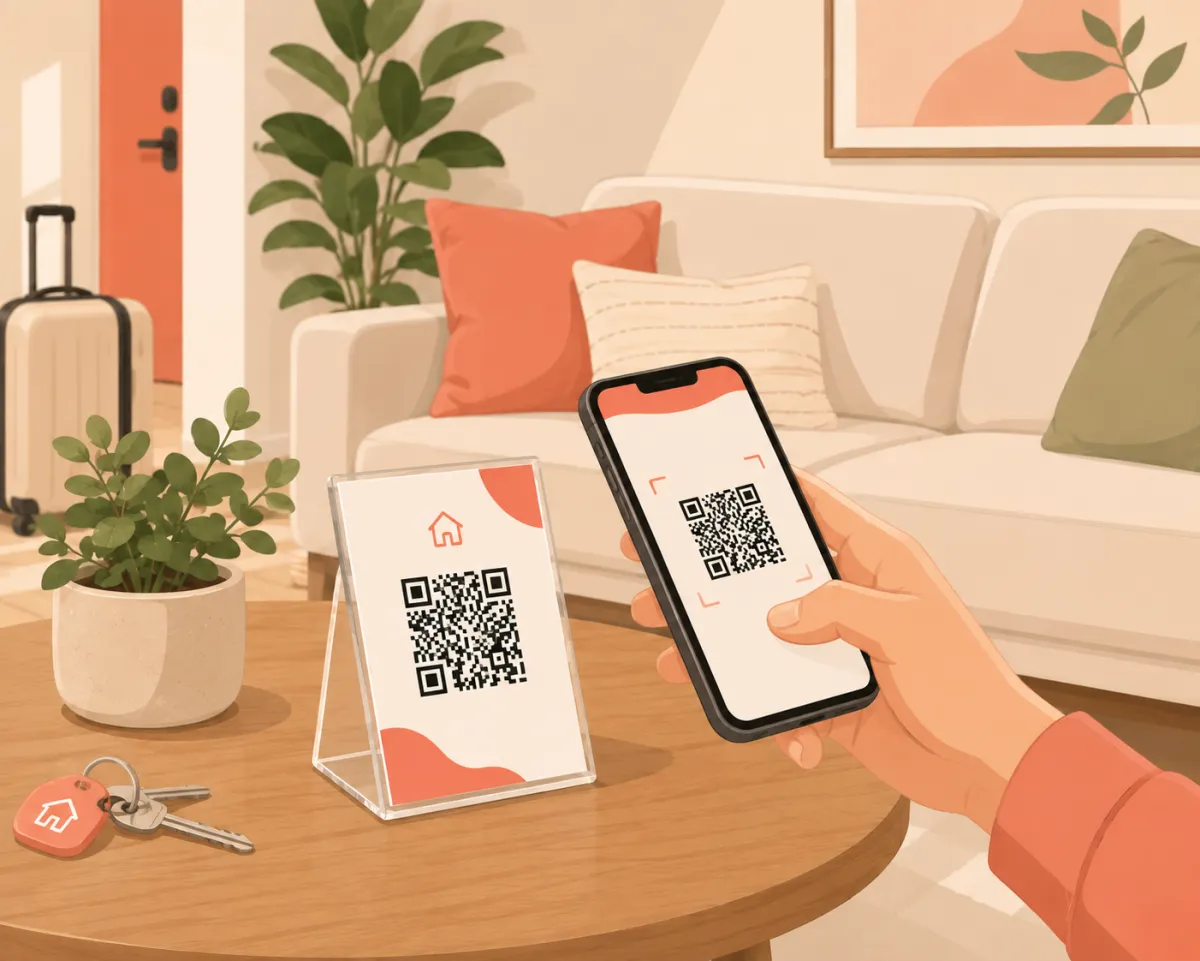
Guests scan the stand — no app to download.
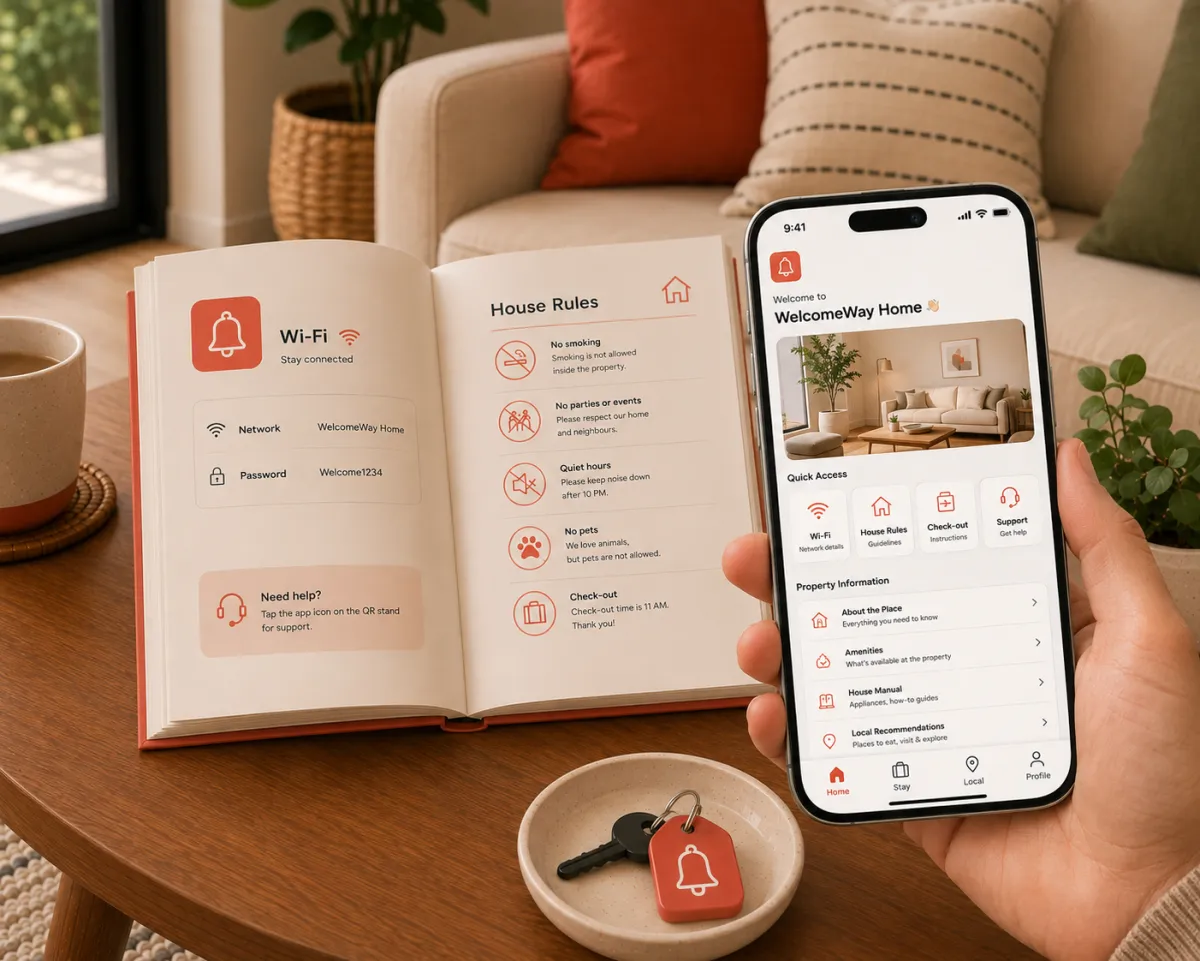
The whole guide, right on their phone.
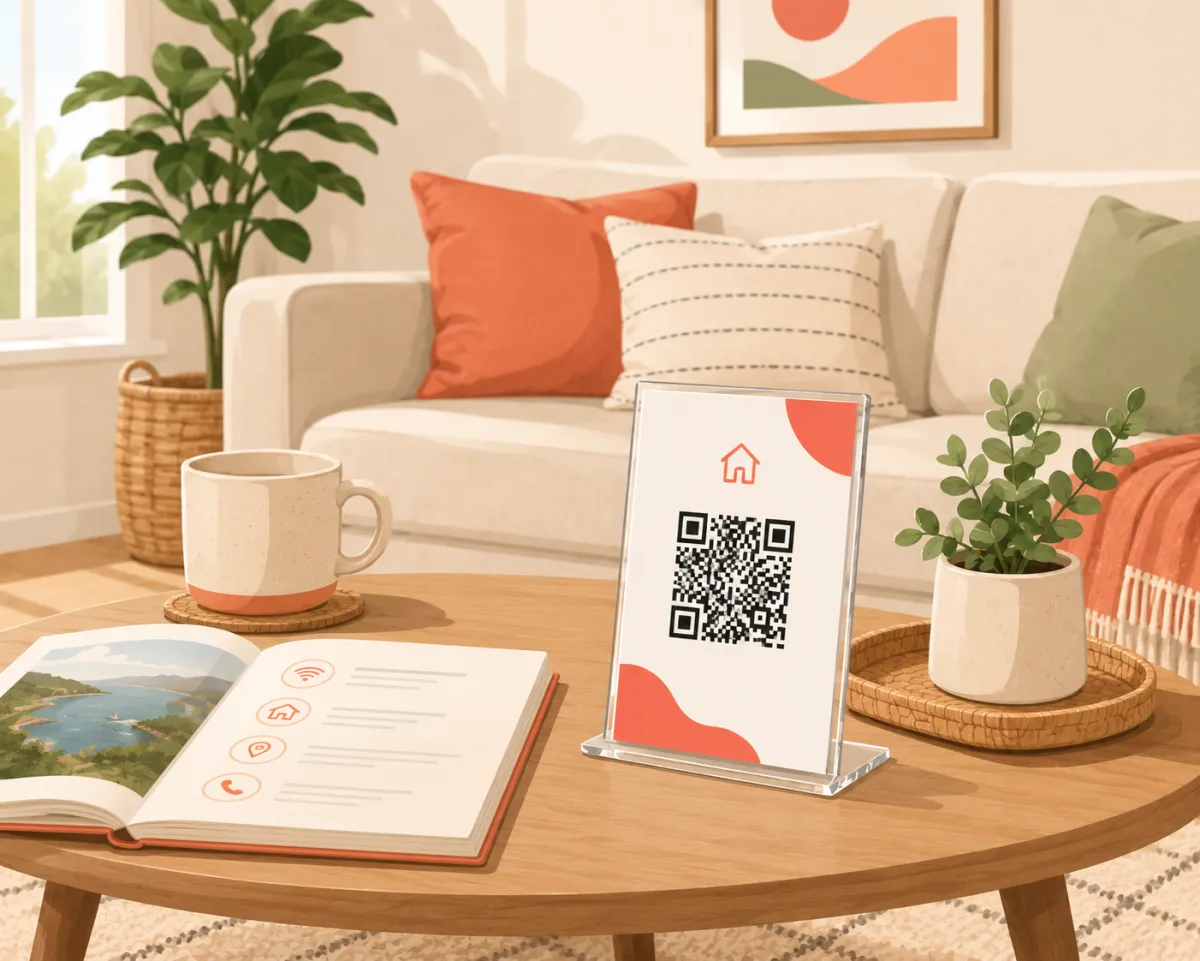
On the table, right where they'll look.
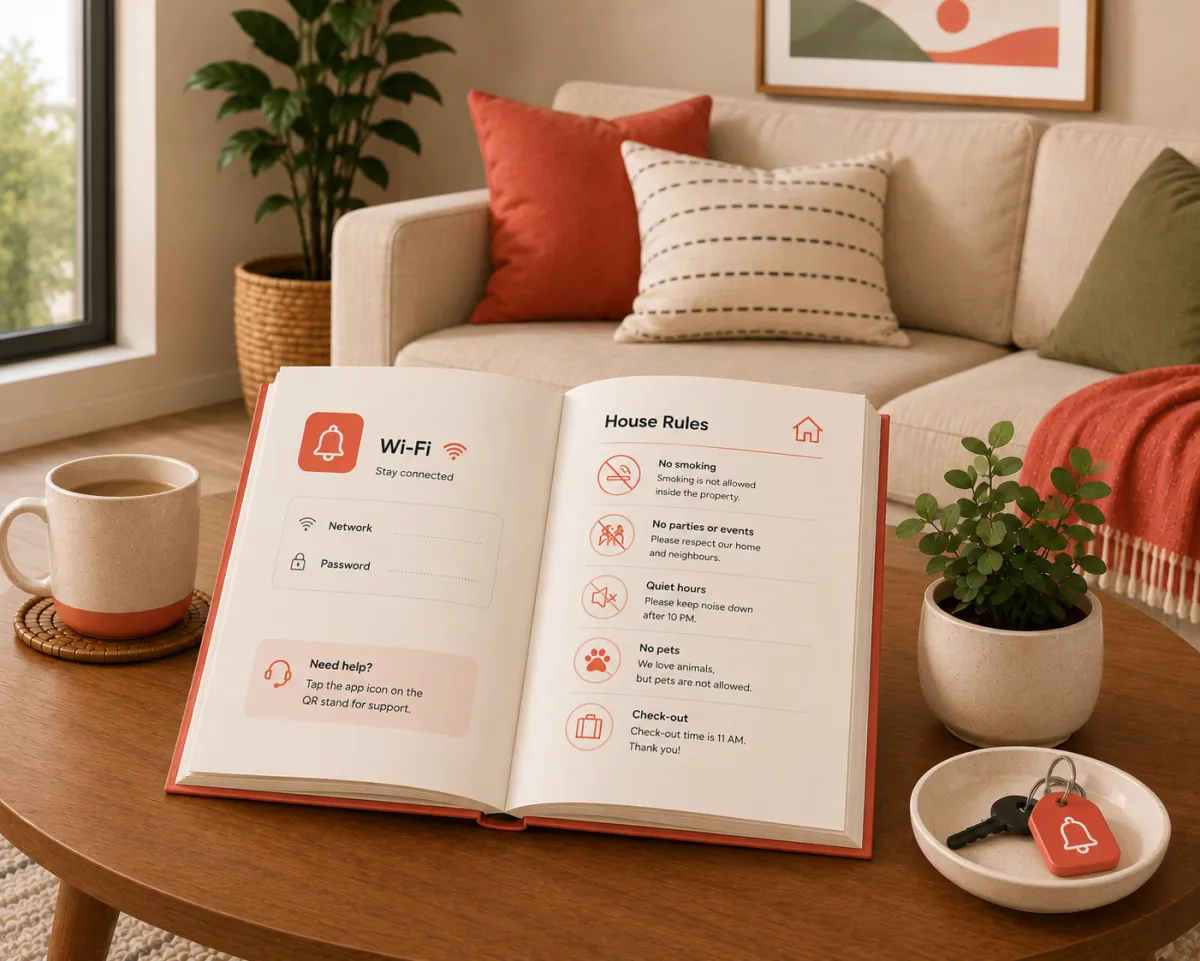
Or a printed welcome book — same guide, on paper.
Tap through the real guest experience: Wi-Fi, check-in, rules, places, food, transport. Then send a request and watch it land in the host dashboard on the right.
Host dashboard · Sunset Stay
Live guest requests
Room 205 — Wi-Fi help
just now · assigned to cleaner on duty
Room 301 — AC not cooling
10 min ago · assigned to cleaner on duty
Room 104 — Late checkout
17 min ago · assigned to cleaner on duty
The hidden cost of guest questions
Adjust your property count and typical guest questions to estimate how much repetitive communication your team handles every month.
Assumes about 4 minutes to handle each question — reading it, replying, and following up.
~40 hrs
of repetitive guest communication, every month
Based on 5 properties × 4 questions/day.
Imagine those questions answering themselves.
WelcomeWay lets guests self-serve these answers and routes real requests to the right person — so much of this communication never reaches your phone.
Assign a QR to the whole property or to each room and unit. Every request arrives location-aware — no more “which room was that again?”.
Sunset Stay
Room 101
QR 101
Room 102
QR 102
Room 103
QR 103
Room 102 — 2 towels requested
Received just now
Guests find the common answers themselves, day or night.
Stop repeating Wi-Fi, checkout and AC instructions for every stay.
Requests reach the right person the moment they're made.
One place for everything guests need during the stay.
Track requests across rooms and properties in one inbox.
Every property gets a polished digital concierge.
What is WelcomeWay
WelcomeWay is a digital guest concierge for Airbnb and short-term-rental hosts. It gives guests instant access to Wi-Fi, check-in instructions, house rules, local recommendations and service requests through one QR code or link — no app, no guest login.
Guests self-serve the answers they'd normally message you for, and anything they still need becomes a tracked request in your dashboard, labelled by property or room.
Read the full explainerGuides for hosts setting up their first digital guide, welcome book, or house manual — and reducing the repetitive questions that fill your inbox.
The plain-English definition: a digital guest concierge for Airbnb and short-term-rental hosts, and who it's for.
Read moreHow a digital concierge differs from a static welcome book — and why guests and hosts prefer it.
Read moreWhat a digital guest guide is, what it includes, and how guests open it without an app.
Read moreWhat to include in a welcome book and why a living digital version beats a printed PDF.
Read moreWi-Fi, door access, appliances, house rules and checkout — always current, never reprinted.
Read moreHow self-serve answers and tracked requests cut the same questions from every stay.
Read moreGuest guide, requests inbox, room-level QR access, branding and host operations in one place.
Read morePay for the properties you actively operate — not per user, not per guest. Guests are always free.
Free
Everything one property needs to answer guests beautifully.
Pro
Free for 30 days. Then per active property, billed monthly or annually — volume pricing as you grow.
Pause, change or cancel anytime from Billing.
Free for your first property. Guests never pay a thing.